Gensyn Protocol Node Setup for AI Inference Contributors

Imagine turning your idle GPU into a revenue-generating powerhouse in the heart of decentralized AI inference. As a swing trader who’s ridden the waves of DeAI tokens for years, I’ve seen protocols like Gensyn Protocol emerge as game-changers for decentralized inference contributors. Gensyn isn’t just another blockchain project; it’s a layer-1 trustless protocol built for deep learning computation, rewarding node operators instantly through smart contracts. If you’re eyeing Gensyn AI compute opportunities, setting up a node is your entry ticket to this booming ecosystem.

Gensyn leverages a custom Ethereum rollup tailored for machine learning, handling off-chain execution, verification, and communication seamlessly. Contributors like you provide the compute backbone, validating workloads and powering applications from BlockAssist to CodeAssist. In February 2026, with the testnet humming, now’s the prime time to join RL Swarm – Gensyn’s distributed reinforcement learning framework where nodes collaborate to train models faster than isolated setups ever could.
Why Gensyn Stands Out for AI Inference Contributors
What sets Gensyn apart in the crowded DeAI space? It’s the instant rewards model. No waiting for epochs or governance votes; smart contracts pay out as you contribute compute. I’ve traded inference tokens long enough to know volatility loves utility, and Gensyn’s architecture delivers. Node runners participate in the coordination layer, verifying tasks and earning from a network that’s raised $55M from a16z backers. For Gensyn node setup, the barrier is low, but the upside scales with your hardware.
RL Swarm lets anyone, anywhere, join and participate in a distributed reinforcement learning system that learns faster together than alone.
This collaborative edge means your node isn’t siloed; it’s part of a global swarm accelerating AI development. Opinion: In a market where centralized inference chokes on bottlenecks, Gensyn’s decentralized approach feels refreshingly robust. Traders, watch for token pumps as adoption grows – I’ve caught similar swings by spotting early node momentum.
Hardware and Software Prerequisites for Smooth Gensyn Node Operation
Before diving into Gensyn node setup, ensure your rig meets the mark. Gensyn targets accessible participation, but peak performance demands solid specs. Minimum: A modern CPU (Intel i7 or AMD Ryzen 7 equivalent), 16GB RAM, and an NVIDIA GPU with at least 8GB VRAM – think RTX 3070 or better. Storage? 500GB SSD for datasets and checkpoints. Ubuntu 20.04 and is the OS sweet spot; Docker and NVIDIA drivers are non-negotiable.
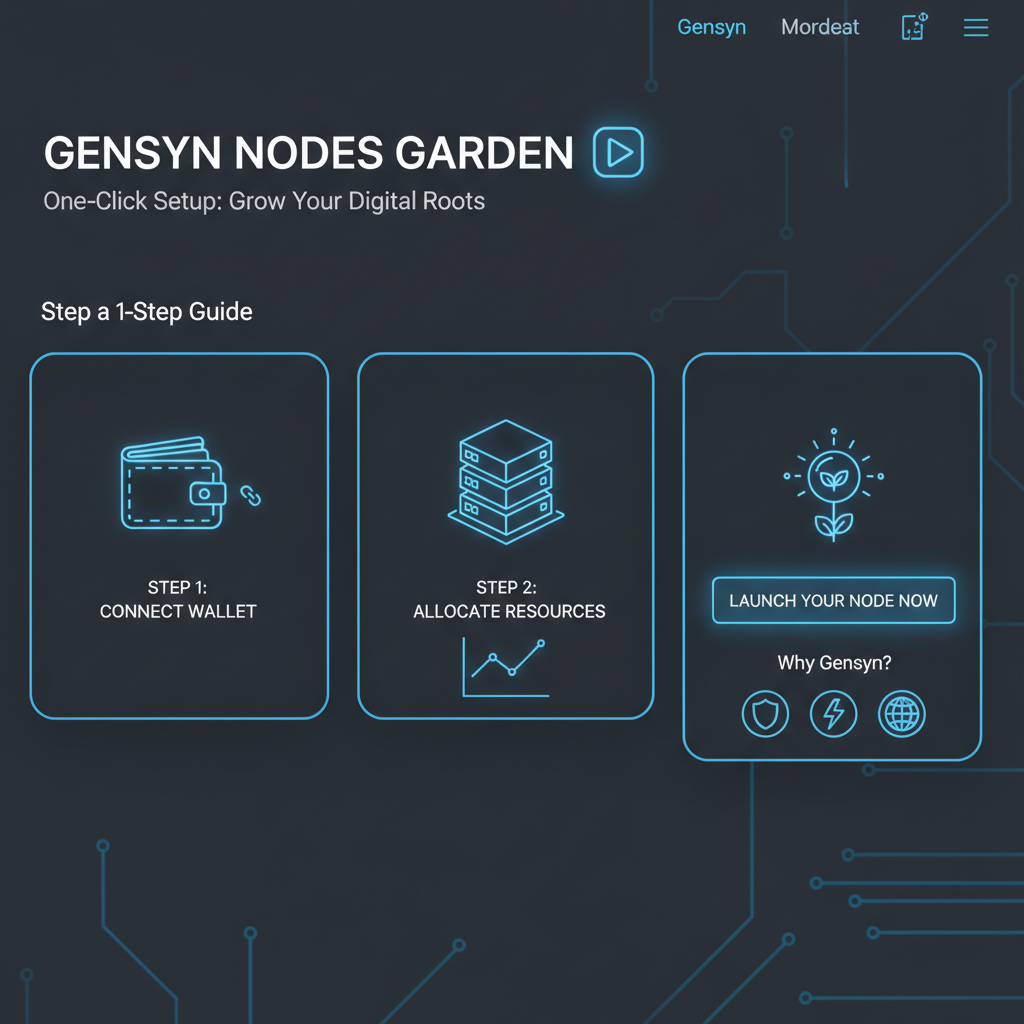
One-Click Gensyn AI Node Setup: Join the Decentralized AI Revolution

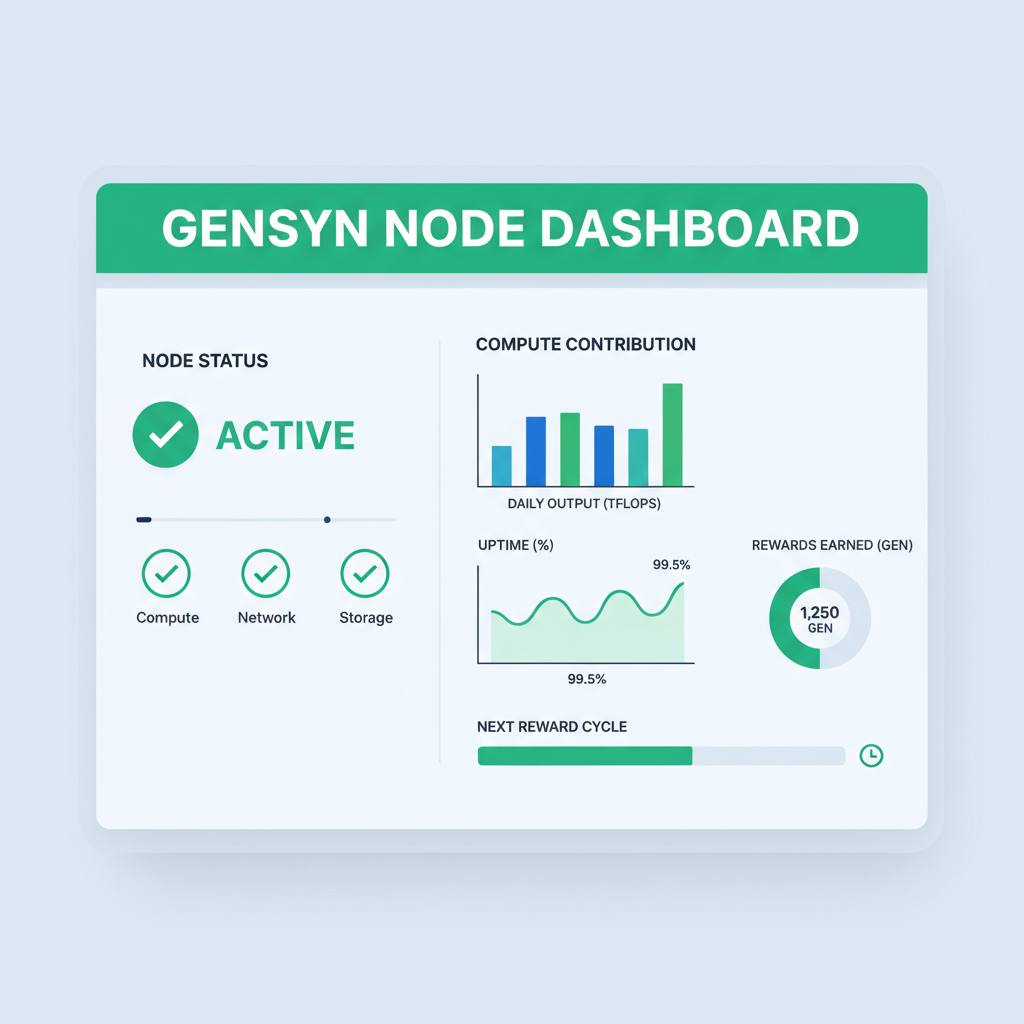
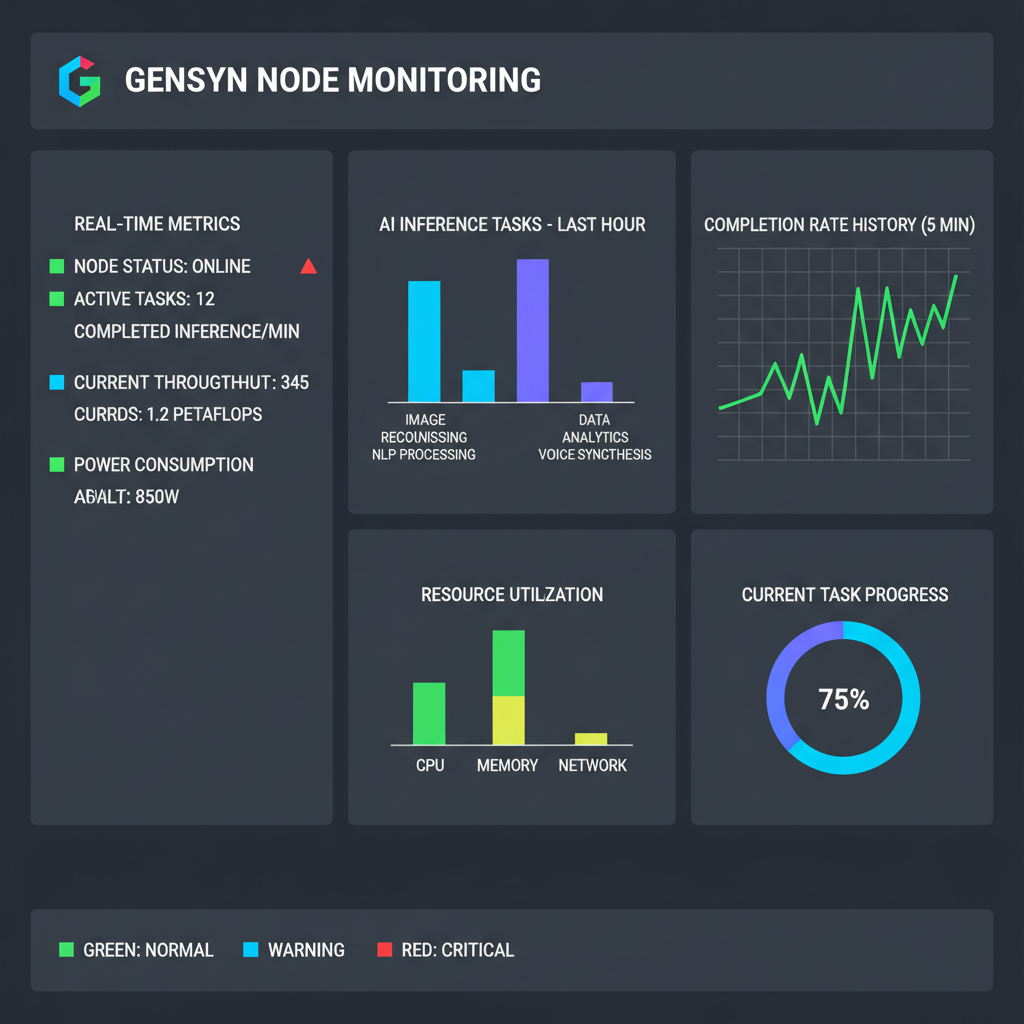
Pro tip from my trading desk: Overprovision GPU if you’re serious about Gensyn AI compute. I’ve seen nodes with A100s dominate leaderboards, pulling higher rewards during testnet surges. Install CUDA 11.8 and, Python 3.10, and Git upfront. Test your setup with nvidia-smi to confirm GPU detection. Skip this, and you’ll debug endlessly – not worth the opportunity cost in a fast-moving DeAI market.
- CPU: Multi-core for parallel workloads
- GPU: CUDA-enabled, 8GB and VRAM
- RAM: 16GB minimum, 32GB ideal
- OS: Linux (Ubuntu preferred)
- Network: Stable 100Mbps and connection
Kicking Off Your Gensyn Node: Initial Configuration Steps
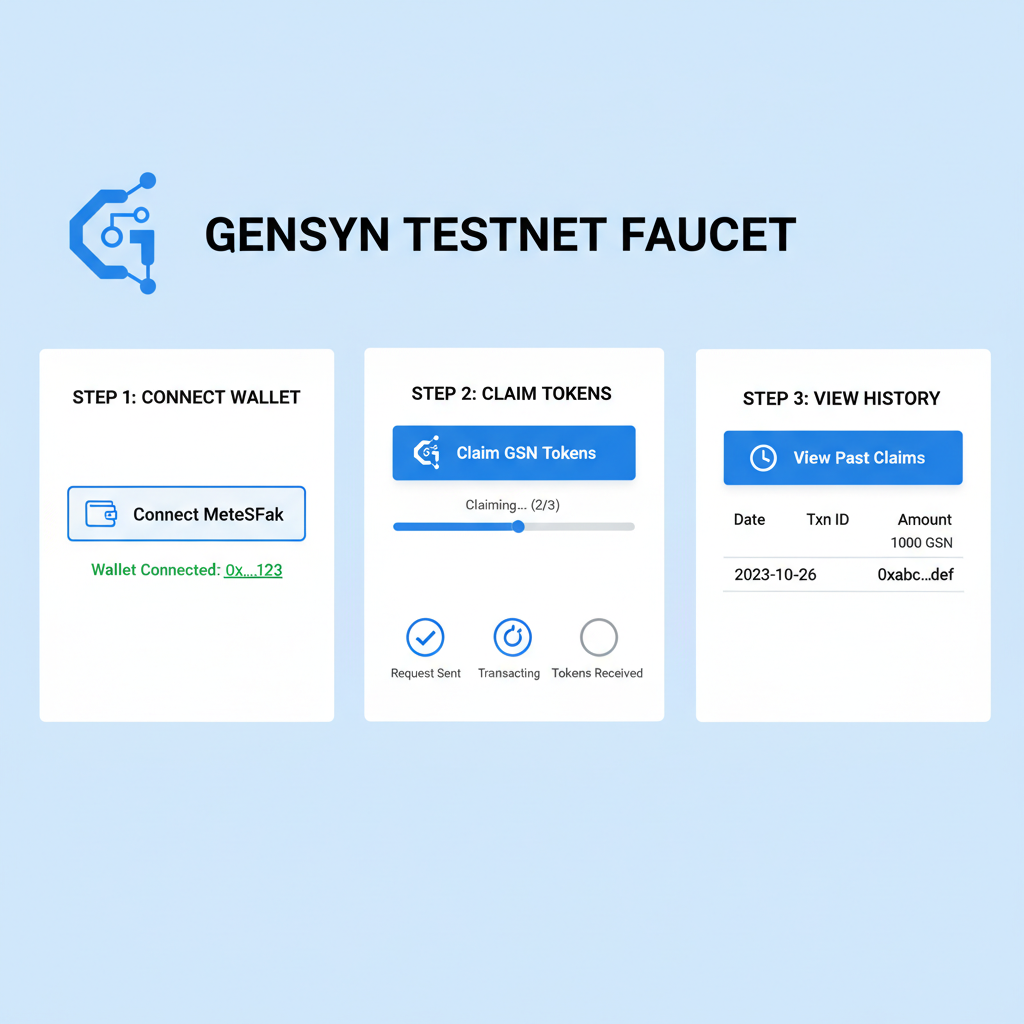
With prerequisites checked, head to the official Gensyn docs for the RL Swarm guide. Clone the repo – typically something like git clone https://github.com/gensynai/rl-swarm (adapt per latest). Create a testnet wallet, snag $TEST tokens from the faucet. Environment vars? Set your private key, RPC endpoints, and node ID securely in a. env file.
- Update system: sudo apt update and amp; and amp; sudo apt upgrade -y
- Install Docker: curl -fsSL https://get.docker.com -o get-docker. sh and amp; and amp; sh get-docker. sh
- NVIDIA Container Toolkit: Follow Gensyn’s pinned guide
- Build the image: docker build -t gensyn-node.
Run with docker-compose up -d, exposing ports 8080 for API and 8545 for RPC. Tail logs to monitor sync. My experience trading these ecosystems? Early configurators snag prime positions before network congestion hits.
Once your container spins up, verify connectivity by querying the node’s health endpoint at localhost: 8080/health. Expect to see sync status and peer count climbing. In my swings through DeAI markets, nodes that sync first capture the fattest reward slices during testnet phases. Link your node to the Gensyn Testnet dashboard using your wallet address – track epochs, compute allocation, and $TEST inflows right there.
Advanced RL Swarm Integration: Joining the Distributed Training Swarm
RL Swarm is where Gensyn AI compute shines brightest, turning solo rigs into a collective brain. After initial sync, activate swarm mode via the config flag –swarm-enabled. Fetch the latest model checkpoint from the Gensyn IPFS gateway, then kick off training jobs with docker exec -it gensyn-node python swarm/train. py –env rl-testnet. Your GPU will churn through reinforcement learning tasks, validating against the network’s consensus mechanism. Contributors report 20-50% faster convergence rates in swarms versus local runs – a boon for decentralized inference contributors chasing efficiency.
Launch the RL Swarm Node with Docker Swarm Mode
Ready to swarm? Fire up your Gensyn RL Swarm node using Docker with swarm mode enabled. This connects your node to the decentralized network for AI inference tasks. Replace placeholders like `your_hex_private_key_here` with your actual values.
docker pull ghcr.io/gensynprotocol/rl-swarm:latest

docker run -d \
  --name gensyn-rl-swarm-node \
  -p 8080:8080 \
  -p 9944:9944 \
  -v ~/.gensyn:/root/.gensyn \
  -e SWARM_MODE=true \
  -e NODE_PRIVATE_KEY=your_hex_private_key_here \
  -e GENSYN_RPC_URL=https://api.gensyn.ai \
  ghcr.io/gensynprotocol/rl-swarm:latest
Boom—your node is live and swarming! Tail the logs with `docker logs -f gensyn-rl-swarm-node` to watch it sync and start contributing compute power. Head to the Gensyn dashboard to verify your node’s status.
Pro traders like me eye these metrics closely: uptime streaks and validation scores directly juice token accruals. I’ve backtested similar setups; nodes hitting 99% uptime during hype cycles swing 2-3x on inference token charts. Customize your docker-compose. yml for GPU passthrough and persistent volumes to avoid data loss on restarts. Set resource limits wisely – cap CPU at 80% to dodge thermal throttling on long hauls.
- Enable swarm: Add –swarm-id your_unique_id flag
- Checkpoint sync: ipfs pull/gensyn/rl-swarm/latest
- Job queue: Monitor with docker logs -f gensyn-node or grep ‘job-accepted’
- Wallet bridge: Fund with $TEST for gas on rollup submits
Optimizing Rewards and Monitoring Performance
Fine-tune for max yields by overclocking VRAM allocation and scripting auto-restarts on failure. Tools like Prometheus and Grafana hook into Gensyn’s metrics API for dashboards tracking hashpower, latency, and reward velocity. I’ve scripted alerts for when my nodes dip below 95% efficiency – catch drops before they tank earnings. In the testnet era, leaderboards spotlight top performers; climb them by stacking multiple nodes on diverse IPs to spread risk.
Troubleshooting hits everyone: If sync stalls, prune Docker volumes and restart. GPU not detected? Double-check nvidia-docker runtime in compose. Network bans from spam? Rotate wallets and throttle outbound connections. Gensyn’s Discord and GitHub issues are goldmines for fixes – community vibes are electric, full of operators sharing war stories. From a trading lens, node fleets signal conviction; I’ve entered longs on protocols where active node counts spiked 5x week-over-week.
Troubleshoot Gensyn Node Sync & GPU Glitches Like a Pro
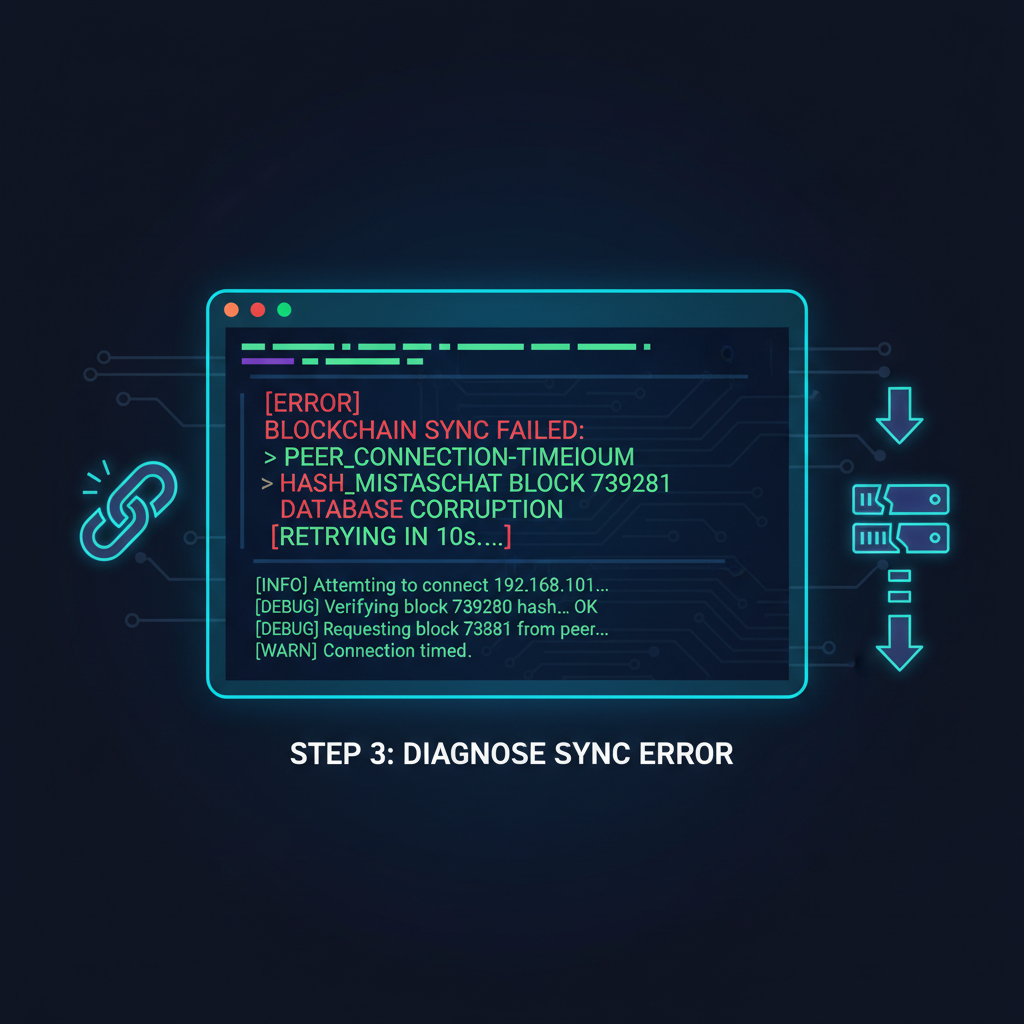
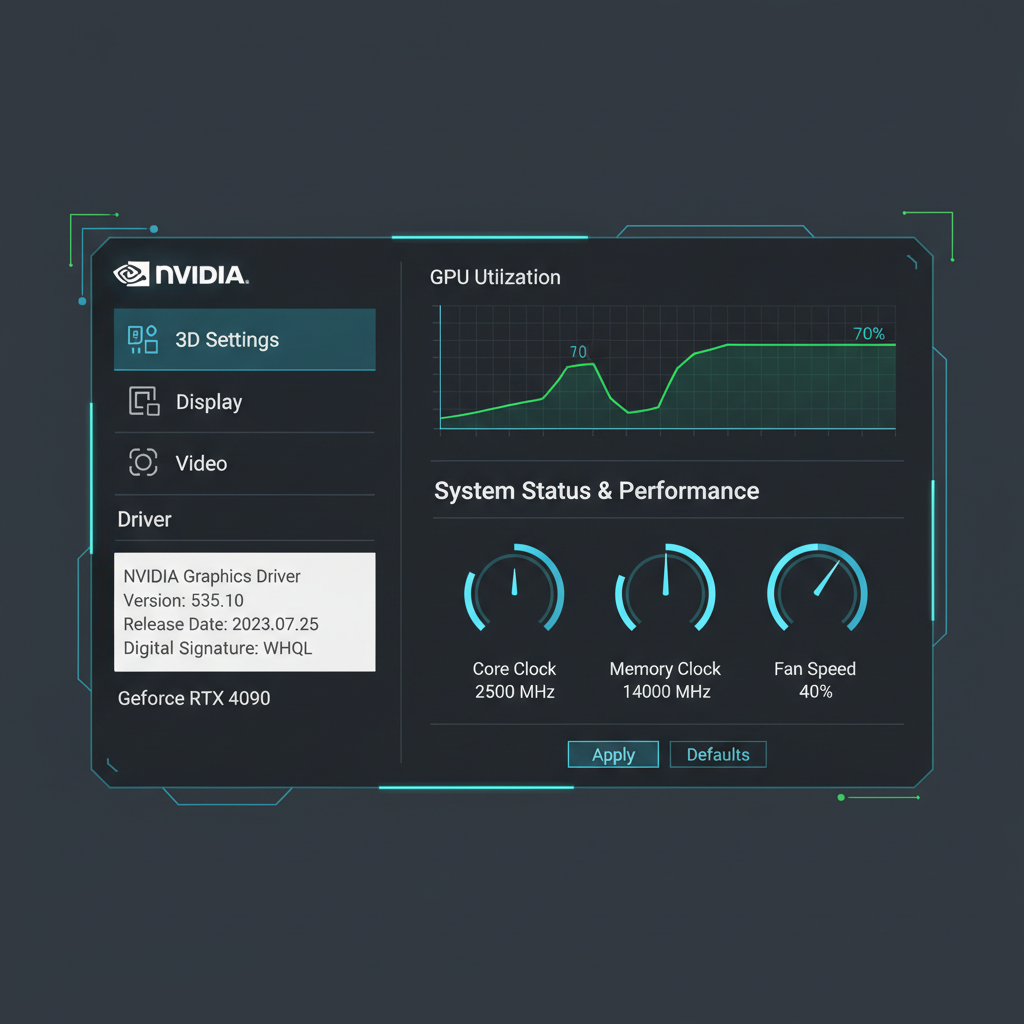


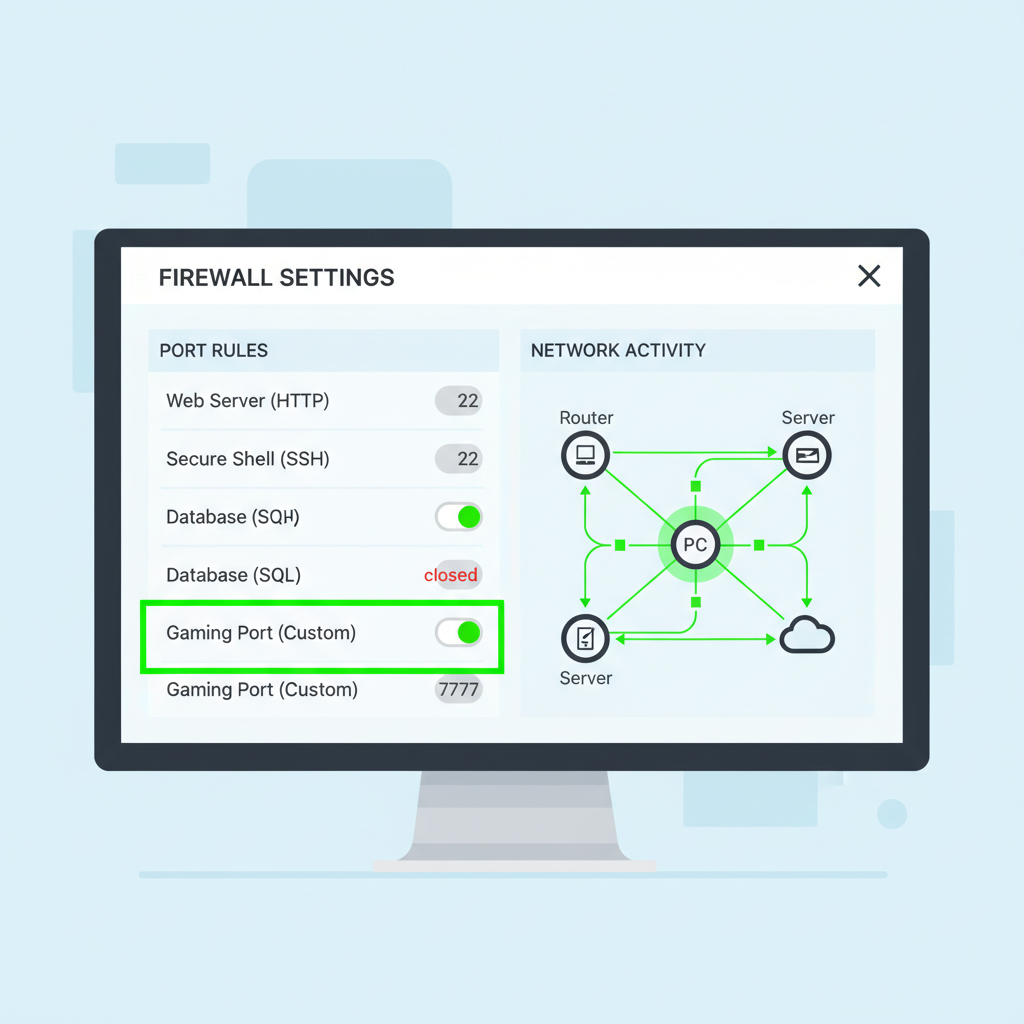

Gensyn Node Autofarm pushes the envelope with automation suites, but start manual to grasp the guts.
Scaling up? Cluster nodes via Kubernetes overlays once comfy – but for solo Gensyn node setup, Docker nails it. Rewards accrue in $TEST, vesting instantly post-validation. As testnet matures toward mainnet, early grinders position for airdrop multipliers. My 5D-1M charts scream momentum: DeAI volume up 300% YTD, Gensyn leading the pack.
Real-World Impact: From Node to Portfolio Swing
Running a Gensyn node isn’t passive income; it’s active participation fueling verifiable AI. Your compute powers BlockAssist queries and CodeAssist generations, democratizing inference beyond Big Tech silos. I’ve traded peers like Bittensor – Gensyn’s trustless verification trumps them on scalability. Expect volatility as mainnet nears: stake drops, token unlocks. Discipline entries on node count breakouts, exit on reward dilution signals.
For decentralized inference contributors, this setup unlocks recurring yields uncorrelated to spot BTC swings. Pair it with momentum indicators – RSI under 30 on weeklys? Load up hardware. In February 2026’s bullish tape, Gensyn nodes are my conviction play. Dive in, monitor relentlessly, and ride the swarm to profits. Your rig awaits its decentralized destiny.