
Spotting the latency symptoms
Before applying fixes, you need to isolate whether your decentralized inference network is suffering from network lag, node failure, or model sharding overhead. These three issues often manifest as similar slowdowns, but they require entirely different diagnostic approaches. If you treat a network bottleneck as a computational issue, you will waste time tuning GPU memory when the real problem is packet loss.
Start by checking the time between the user request and the first token generation. If this initial delay is high but subsequent tokens stream quickly, you are likely looking at network latency or node discovery delays. Decentralized networks often struggle with the initial handshake across distributed nodes, which can add significant overhead before any actual inference begins. In contrast, if the initial response is fast but the stream stalls or drops tokens intermittently, the issue is likely computational or related to model sharding.
To verify if a specific node is failing, ping the endpoints individually. A healthy node should respond within the expected latency window defined by your architecture. If one node consistently times out while others perform well, you have identified a failure point. This is different from sharding overhead, which typically affects all nodes uniformly when the model size exceeds the available VRAM per device.
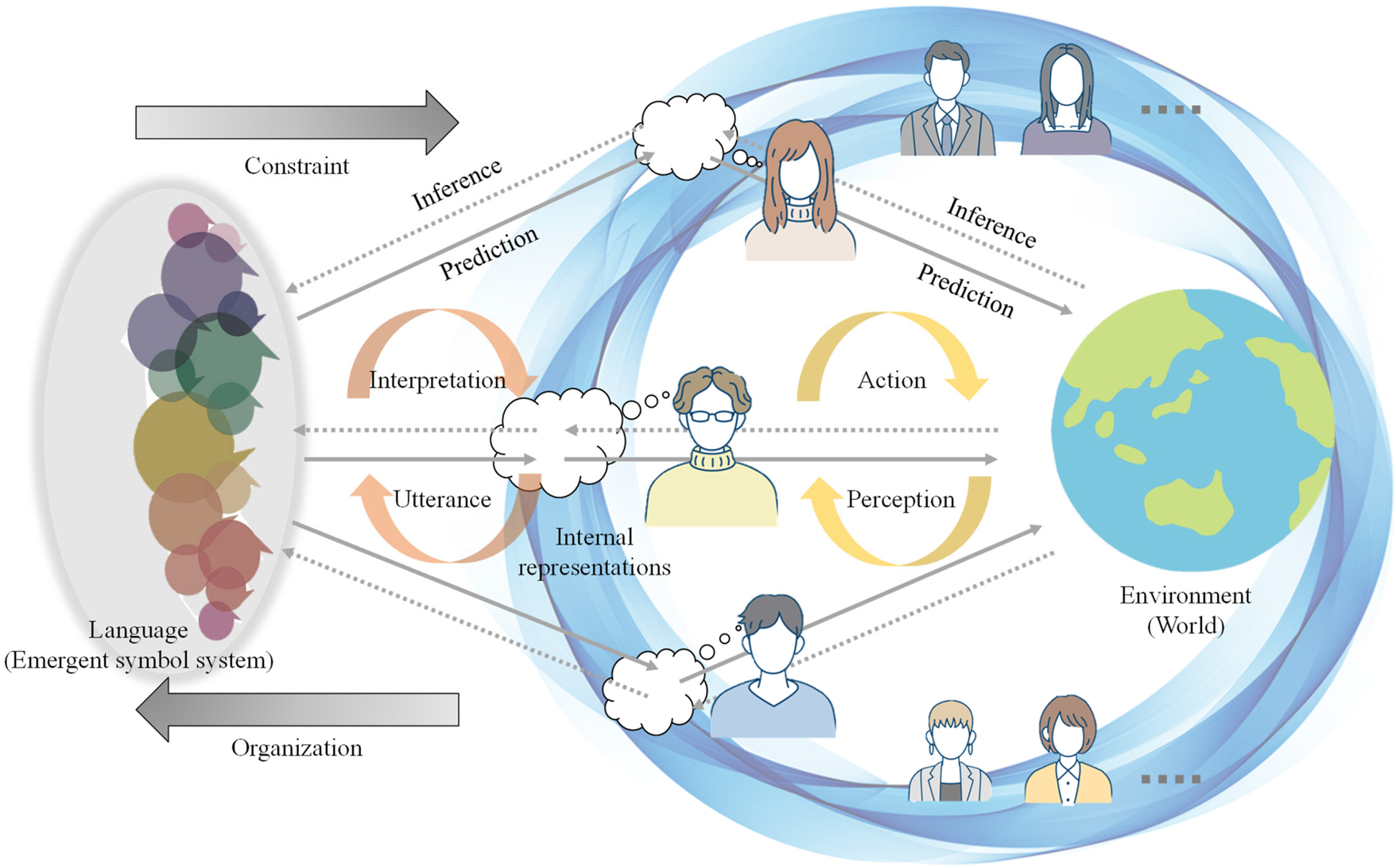
When diagnosing sharding overhead, monitor the GPU utilization metrics across all participating devices. If utilization is low but latency is high, the bottleneck is likely communication between shards rather than computation. High utilization with high latency suggests the model is too large for the available memory, forcing expensive swap operations. By isolating these symptoms, you can apply the correct fix without guessing.
Verifying node health and availability
Latency spikes in decentralized inference networks often start with a silent problem: a node that looks online but cannot process requests. Before adjusting network topology or scaling models, you must confirm that each participating node is actually healthy and available. This section guides you through the essential checks to verify node status, ensuring your inference pipeline relies on capable infrastructure.
1. Ping the endpoint
The first step is to confirm basic connectivity. Send a lightweight HTTP ping to the node’s health check endpoint. A successful response (200 OK) with low latency indicates the node is reachable and the network stack is functioning. If the ping times out or returns a 5xx error, the node may be overloaded, disconnected, or blocked by firewall rules.
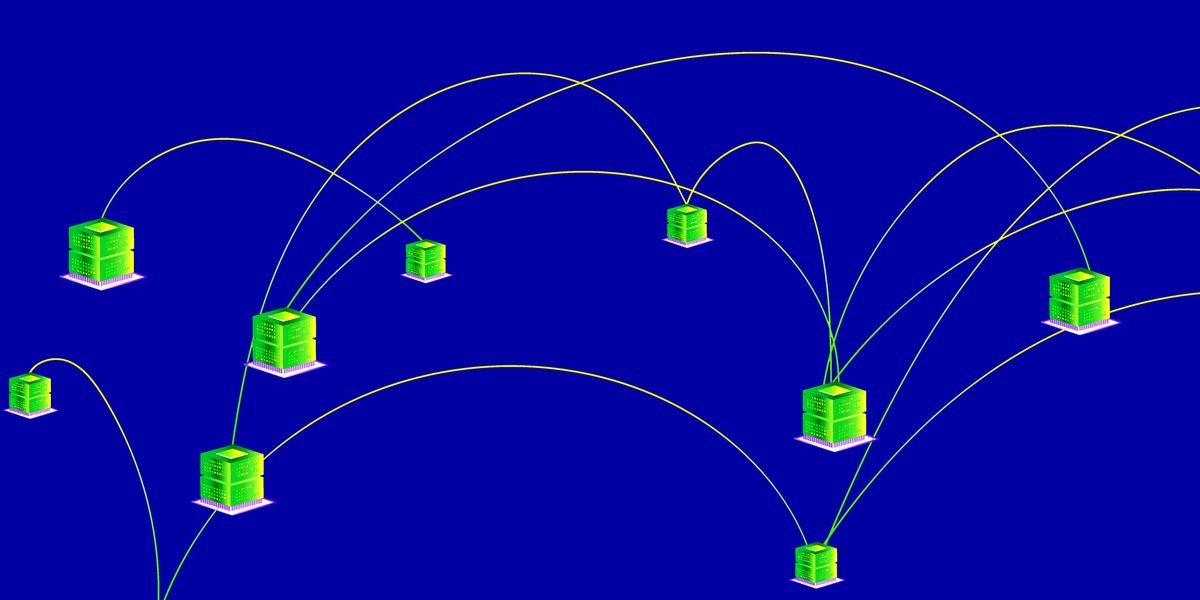
Send a GET request to /health or /ping. Record the response time and status code. If the response exceeds your threshold (e.g., 500ms), flag the node for review.
Use CLI tools like nvidia-smi to inspect GPU memory and compute utilization. High memory usage without corresponding inference load suggests a memory leak or stale process.
Check system logs for OOM (Out of Memory) errors, CUDA exceptions, or network timeouts. These logs provide context for why a node might be rejecting requests despite being online.
2. Check GPU utilization via CLI
Connectivity is not enough; the node must have the resources to serve inference requests. Use command-line tools to inspect GPU memory and compute utilization. High memory usage without corresponding inference load suggests a memory leak or stale process. If the GPU is saturated, the node will queue requests, leading to the latency spikes you are trying to fix.
3. Review recent error logs
Finally, examine system logs for signs of distress. Look for Out of Memory (OOM) errors, CUDA exceptions, or network timeouts. These logs provide context for why a node might be rejecting requests despite being online. Addressing these underlying issues ensures that your decentralized inference network remains resilient and performant under load.
Fix model sharding and distribution
When a large model is split across multiple nodes, the system often exhibits high tail latency. You may see requests stall while waiting for intermediate activations to travel between shards, or experience data corruption if the partition boundaries aren't aligned with the network topology. These symptoms usually point to inefficient sharding strategies or poor distribution logic.
The first step is to audit how your model layers are partitioned. If you are using fixed block partitioning, as described in recent IEEE research on decentralized model-distributed inference, ensure that the layer boundaries match the computational density of each node. Uneven splits create bottlenecks where fast nodes wait for slow ones.
To minimize transfer overhead, reduce the number of inter-node synchronization points. Group layers that communicate heavily into the same shard where possible. This reduces the frequency of data serialization and network calls. For a clear view of how this compares to traditional centralized inference, see the breakdown below.
| Strategy | Latency Impact | Implementation Complexity | Scalability |
|---|---|---|---|
| Fixed Block Partitioning | High if nodes are heterogeneous | Low | Moderate |
| Dynamic Sharding | Lower with adaptive routing | High | High |
| Centralized Inference | Consistent but hardware-bound | Low | Low |
| Hybrid Edge-Cloud | Variable depending on sync | Medium | High |
Implementing a robust distribution stack requires careful tuning of the communication protocol. Prime Intellect’s approach to distributed inference highlights the importance of engineering for consumer-grade GPUs, which often have limited bandwidth. By optimizing the sharding logic to account for these constraints, you can achieve the 100ms latency targets necessary for public-facing applications.
Follow these steps to refine your sharding configuration:
Map the activation flow between layers. Identify which layers exchange the most data and group them together to minimize cross-node traffic.
Assign shards to nodes based on their specific compute and memory capabilities. Avoid splitting a single high-traffic layer across disparate hardware types.
Use efficient binary formats for intermediate activations. Reduce payload size to lower the time spent on network transmission between shards.
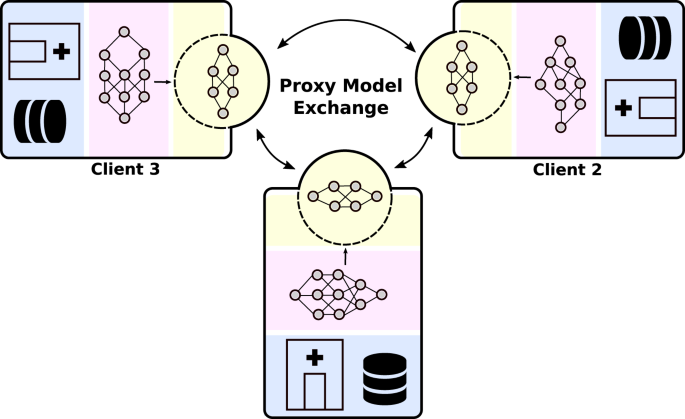
Simulate real-world traffic patterns. Monitor for tail latency spikes that indicate a specific shard is becoming a bottleneck under pressure.
Resolving verification and trust failures
When a decentralized inference node returns a result, the real work begins: proving that the output is correct. If the verification step fails, you are likely facing issues with zero-knowledge proofs or optimistic fraud proofs. These systems are fragile; a single mismatch in computational steps can cause the entire network to reject a valid inference.
Start by checking the computational complexity of the proof generation. Heavy models often exceed the gas limits or memory constraints of the verification layer. If you are using lightweight frameworks like VeriLLM, ensure your hardware supports the specific cryptographic primitives required. Without the right features, the proof simply cannot be generated or verified efficiently.
Next, inspect the fraud proof mechanism. In optimistic networks, correctness is assumed until challenged. If a challenge is raised, the node must provide a detailed execution trace. Missing steps or corrupted state transitions here will cause the fraud proof to fail, leaving the inference unverified. Ensure your node is capturing the full state at every step.
Finally, verify the consistency of the cryptographic commitments. If the hash of the input data does not match the commitment in the proof, the verification will fail immediately. This is often a data serialization issue. Ensure that the input tensors are encoded exactly as the model expects, with no floating-point precision errors or formatting drift.
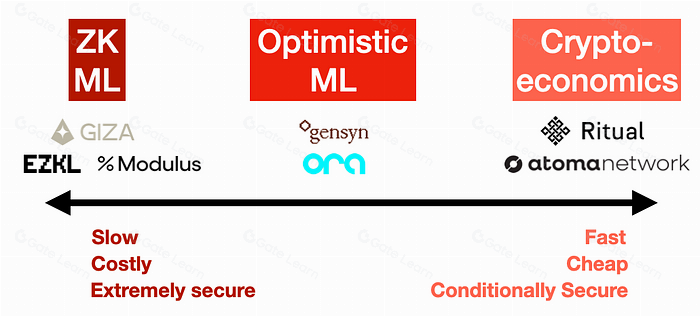
Verify that your model size and layer count fit within the verification constraints of your chosen framework. Heavy models may need optimization or a different proof system.
If using optimistic verification, ensure your node captures the full execution trace. Missing steps will cause challenges to fail and the inference to be rejected.
Compare the input hash against the commitment in the proof. Mismatches usually indicate data serialization errors or precision drift in the input tensors.
Preventing future inference bottlenecks
Latency spikes usually signal a node drifting out of sync or a memory leak in the proxy model. To keep decentralized inference stable, treat maintenance as a continuous loop of verification rather than a one-time fix. Start by checking GPU memory utilization on active nodes; if VRAM usage consistently hovers above 90%, the node will struggle to batch requests, causing the latency you see in your dashboard.
Next, verify network latency between the proxy and the worker nodes. High round-trip times often indicate congestion or misconfigured routing. Use a simple ping test to confirm connectivity, and ensure that fallback nodes are pre-warmed and ready to accept traffic if a primary node drops. This redundancy is the backbone of reliable decentralized architecture.
Finally, confirm that proof generation status is healthy. In many decentralized networks, nodes must generate cryptographic proofs to validate their inference work. If proof generation lags, the node may be penalized or disconnected, reducing your overall capacity. Regularly audit these metrics to catch issues before they impact users.
Common decentralized inference: what to check next
Users often run into latency spikes or unexpected costs when switching from centralized cloud providers to decentralized networks. The following questions address the most frequent troubleshooting scenarios, focusing on symptoms, checks, and fixes.
Quick checklist
-
Match the sizeMake sure the decentralized inference option fits your household, storage space, and normal batch size.
-
Check the materialChoose a material that handles heat, washing, and regular use without becoming a chore.
-
Plan the cleanupAvoid anything that needs more maintenance than you are likely to give it.
-
Keep one fallbackHave a simple backup option for rushed days.
No comments yet. Be the first to share your thoughts!